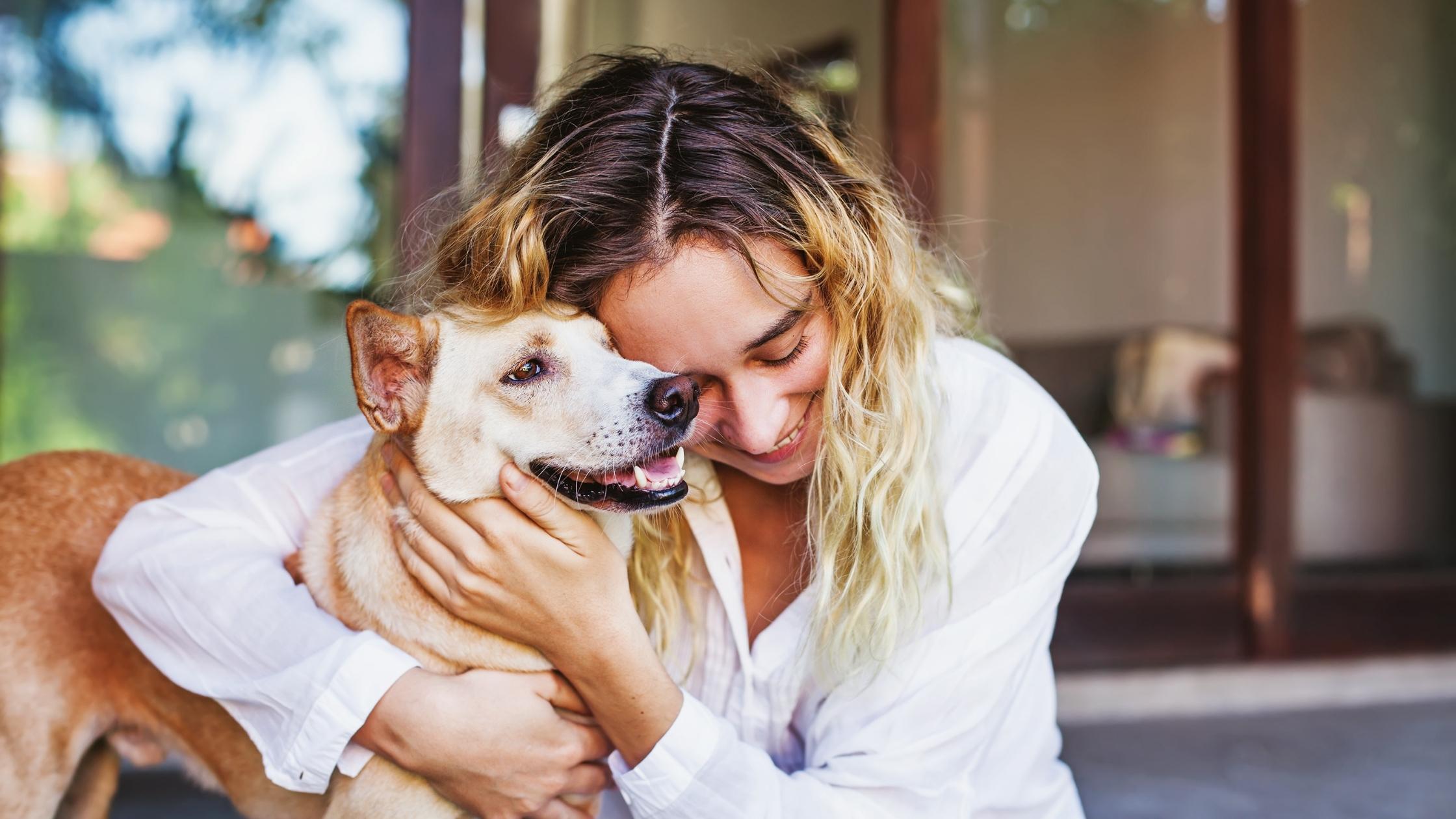
Choosing a veterinarian is a big decision, and we're glad you're considering us. Muirfield Animal Hospital is a locally owned practice in the heart of Muirfield Village, caring for dogs and cats across Dublin, Powell, Jerome Village, Plain City, Hilliard, Delaware and Ostrander.
From your very first phone call, our goal is simple: no rush, no upsells, and a clear explanation of everything we recommend. This page walks you through what happens at your first visit, the forms to bring, how payment works, and where to find answers to the questions new clients ask us most.
.jpg)
Pet emergency outside our hours? See after-hours emergency options.
Plan on about 45 minutes from check-in to checkout. Here's exactly how it goes, so nothing about your first appointment is a surprise.
Fill out your new client forms ahead of time so we can spend your appointment with your pet instead of a clipboard. If your pet has seen another veterinarian, let us know who and we'll request the records for you — vaccine history and recent bloodwork are the most helpful.
Please arrive about ten minutes early. Dogs should be on a leash and cats in a carrier — even the very well-behaved ones. Our lobby is small and calm by design, and if your pet is anxious around other animals, tell us when you book and we'll bring you straight into a room.
A veterinary technician will take your pet's weight and vitals and talk through diet, behavior, medications and anything that's been worrying you. Small details matter here — a change in water intake or a new limp is exactly what we want to hear about.
Your veterinarian will do a full physical exam — heart, lungs, eyes, ears, skin, joints, teeth and abdomen — and explain what they're finding as they go. This is your time to ask questions. There is no such thing as a silly one.
Before anything is performed, we'll walk you through what we recommend, why we recommend it, and what it costs. You'll leave with a written plan covering vaccines, preventives and any follow-up your pet needs — and you're always free to say not today.
You'll get access to our client portal for records and reminders, and you can request prescription refills online any time. If something comes up in the days after your appointment, call us — follow-up questions about a visit are never a bother.
Bringing a nervous pet? Let us know when you schedule. We can plan a quieter appointment time, send calming medication to give before you leave home, or start the exam on the floor instead of the table.
Completing these before your appointment saves about fifteen minutes in our lobby. Fill them out online, or download, print and bring them with you — whichever is easier.
Your contact details, your pet's basic history, and how you'd like to hear from us. One form per pet.
Request a prescription refill online and skip the phone call. We process requests within 48 hours.
Trouble with a form? Email reception@muirfieldanimalhospital.com or call us and we'll get it sorted before you arrive.
We believe you should never be surprised by a bill. Every recommendation comes with a cost estimate up front, and payment is due at the time of service.
Payment is collected at checkout, after your pet's visit is complete.
CareCredit is a healthcare credit card that lets you spread the cost of larger treatments — dentals, surgeries, emergency care — over time, often with interest-free promotional periods. You can apply from home in a few minutes and use it the same day.
Learn about CareCreditPet insurance works differently than human health insurance: you pay us at the time of service, then your provider reimburses you. We'll give you a fully itemized invoice and complete any claim paperwork your insurer needs.
Compare insurance optionsTell us. There is almost always more than one way to approach a problem, and we would far rather build a plan that fits your budget than have you delay care for your pet. Ask us about staging treatment over multiple visits or starting with the diagnostics that matter most.
A few of the things we get asked most before a first appointment.
We’re glad to work with pet insurance and can provide the documentation you need to submit a claim to your provider. If you’re considering a policy, our pet insurance page explains how it works and what to look for before you need it.
For any services beyond a complimentary first exam, we always discuss costs with you before treatment is performed. For financing, many clients use CareCredit. If you have questions about payment options for a specific service, our team is happy to walk you through them—just give us a call or reach out at (614) 761-8400.
Please contact our office to schedule a quality-of-life or euthanasia appointment. We will always try to accommodate same-day requests for established clients when needed. We’re here to help you navigate these decisions with honesty, empathy, and respect, and to guide you through hospice, in-hospital, and in-home options as well as aftercare—learn more on our end-of-life care and hospice page.
We recommend a comprehensive physical exam at least once a year, and sometimes more often depending on your pet’s age and needs. As pets get older, regular checkups become even more important. These exams may include routine bloodwork, vaccinations, and health screenings to catch any changes early, along with continued monthly heartworm and flea prevention. See our wellness visits page for what to expect.
Your pet’s safety and comfort is our top priority. Before surgery we perform comprehensive bloodwork to identify any underlying concerns and evaluate organ function, so we can customize medications for optimal safety. Each anesthesia protocol is individually calculated for your pet, and a Registered Veterinary Technician is dedicated solely to monitoring vital signs from induction through recovery. Your pet is never alone. Read more on our surgical and dental care page.
Looking for something else?
Browse all frequently asked questionsWritten by our team for the questions that come up in the first few months — and the ones that come up years later.